
How to Book Jobs into Simpro Automatically from Phone Calls
Simpro is built to run the whole job, from quote to invoice. But the job still has to get into Simpro in the first place, and for most trades businesses that starts with a phone call. Someone answers, writes it down, searches for the customer, picks the site, and keys it all in.
This guide shows how to get phone calls into Simpro automatically, so a call to your business line becomes a job on the right customer and site without anyone retyping it.
Where phone calls fall through the cracks
The manual process works when the office is quiet. It breaks when it is not: two lines ringing at once, the first cold snap of winter, the call at 7pm. Every call that goes to voicemail is a job that might go elsewhere, and every hand-typed job is a chance for the wrong site or a missing detail.
It gets harder when your customers have more than one site. A property manager with a dozen buildings, a school board, a strata company: “the boiler at our place” is not enough to book the job.
How it works with the JobPerfect AI receptionist
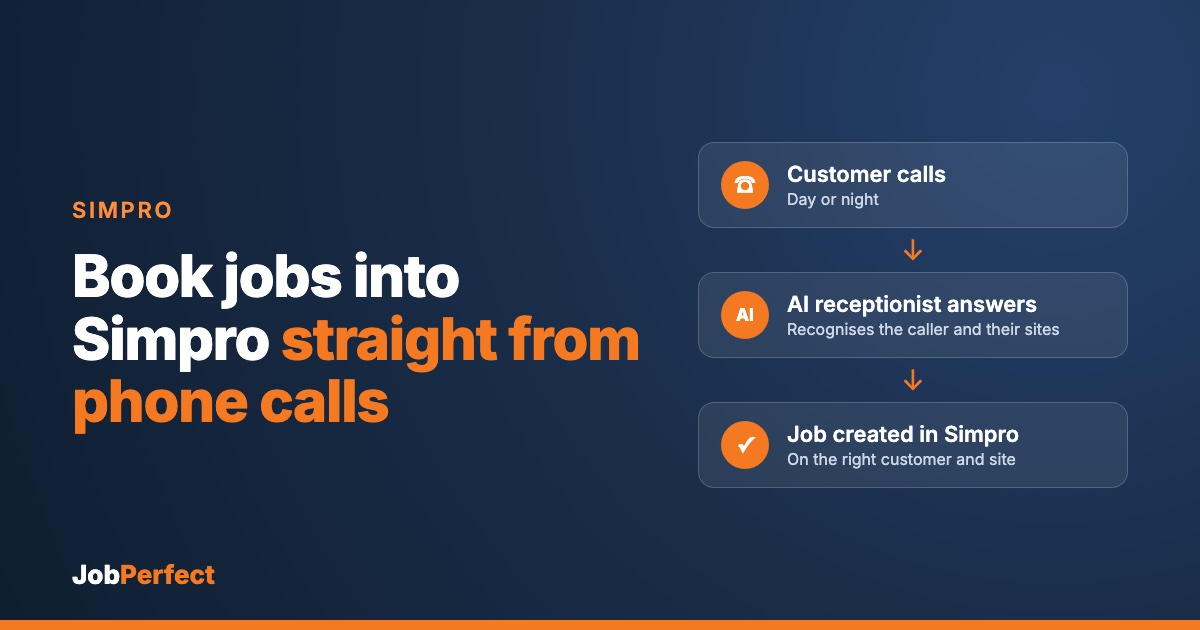
- The call is answered in your company’s name, every time, day or night.
- The caller is recognised. It looks the phone number up against your Simpro customers, so returning customers are greeted by name.
- The right site is chosen. If the customer has several sites, it confirms which one the work is for. If the caller is new, it takes their details and address.
- The details are captured. What is wrong, how urgent it is, access notes, and anything your technician needs before they arrive.
- A job is created in Simpro on that customer and site, with the job type you choose and the call notes attached.
Your team then does what it already does in Simpro: review the job, schedule it and dispatch it. Nothing goes out that the office has not seen.
New callers, handled cleanly
When the number is not in Simpro, the AI takes the caller’s name and address and creates the customer and site for you. It only creates a site when it has a real address, so you do not end up with blank placeholder sites cluttering your customer records.
Emergencies go to a person
You decide what counts as an emergency. When a caller has one, the AI gets the on-call technician on the phone rather than just logging it. After hours this is powered by CallRoster AI, which follows your on-call rotation and tries a backup if the first tech does not answer. The job is still created in Simpro, so the office has the full record in the morning.
What you need to get started
- Your Simpro build, connected securely through the Simpro API.
- Your rules: business hours, job type, what counts as an emergency, and who is on call.
- Your phone line forwarded to the receptionist, all the time or only when the office cannot answer.
- A few test calls before you go live, so you hear exactly how it treats your customers.
JobPerfect is a Simpro partner, and we handle the setup and testing with you. More on Simpro with JobPerfect.
Not on Simpro?
The same AI receptionist books into BigChange and Jobber.
Frequently asked questions
Does it work with multi-site customers?
Yes. It reads the customer’s sites from Simpro and confirms which one the caller means before it books the job.
Will it create duplicate customers?
It looks callers up by phone number against your existing Simpro customers first, so returning customers land on their existing record.
Does it schedule the job?
It creates the job ready for your office to schedule and dispatch, so you stay in control of who goes where.
Can I see what was said on the call?
Yes. Every call is transcribed, and the important details are added to the job.
What does it cost?
It depends on your call volume and setup. Book a demo and we will walk you through it.
See it on your own business
We can connect a demo to a Simpro build so you can call in and watch the job appear.
Book a demo, or hear our AI receptionist for yourself: call (289) 672‑1496.


