
How to Follow Up on Quotes Without Chasing: A Guide for Contractors
Most trades businesses send a quote and then wait. Some customers say yes, a few say no, and most say nothing at all. Those silent quotes are where a lot of revenue quietly disappears, not because the customer chose someone else, but because nobody followed up.
This guide covers when to follow up on a quote, what to say, and how to automate it so it happens every time without anyone in the office remembering to do it.
Why quotes go quiet
- The customer got busy. The quote is sitting in their inbox under fifty other emails.
- They have a question and have not got round to asking it.
- They are comparing prices and the first business to check in often wins.
- They are waiting on someone else: a landlord, a partner, a budget sign-off.
None of these are a no. A short, polite follow-up is often all it takes.
A simple follow-up schedule
You do not need a complicated sales process. Three touches is enough for most residential and light commercial work:
- Day 3: a friendly check-in. “Did the quote come through? Any questions?”
- Day 7: a nudge. “Still interested? We can adjust the scope if needed.”
- Day 14: a last follow-up. “This will be our last note on this quote. Let us know if you would like to go ahead.”
Then stop. Following up forever does not win more work, and it annoys customers.
What to say
Keep follow-ups short, specific and helpful:
- Mention the quote number and amount so they can find it.
- Offer to answer questions or adjust the scope, rather than pushing for a decision.
- Send it from your business, with your name and branding, not from a generic system address.
- Make replying easy. A reply should reach a real person in your office.
The rule that matters most: stop when they answer
Nothing undoes goodwill faster than a “still interested?” email the day after the customer accepted. Automated follow-ups must check the quote status before every send and stop the moment a quote is accepted, declined or cancelled.
Doing it by hand vs automating it
Most offices start with a spreadsheet or calendar reminders. It works for a week. Then a busy Monday happens, and follow-ups slip for the quotes that needed them most.
Automated follow-ups read your open quotes straight from your job management software, send the right email on the right day, and stop as soon as the status changes. The office only gets involved when a customer replies.
How JobPerfect does it
The JobPerfect Collections agent follows up on open quotes and overdue invoices on the schedule you choose, branded as your business. Out of the box it follows up on quotes at 3, 7 and 14 days, and stops automatically when a quote is accepted, declined or cancelled. You can change the timing and the wording. It works with BigChange today.
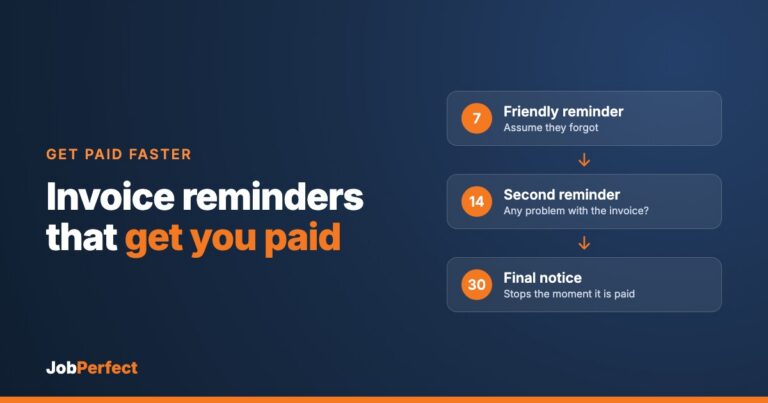
The same agent also chases overdue invoices. See our guide to invoice payment reminders for contractors.
Frequently asked questions
How many times should I follow up on a quote?
Three times over about two weeks works well for most trades work. After that, mark it lost and move on.
Email or phone?
Email is easy to automate and gives the customer a link back to the quote. For large jobs, a phone call from the estimator on top is still worth it.
Will customers find automated follow-ups pushy?
Not if they are short, helpful and stop as soon as the customer answers. Most people appreciate the reminder.
Can I change the wording?
Yes. The subject lines, timing and number of follow-ups are all yours to set.
See it on your own business
Book a demo and we will show you which of your open quotes would get a follow-up today.
Book a demo, or hear our AI receptionist for yourself: call (289) 672‑1496.